Git for Beginners: Basics and Essential Commands
Beginner's Guide to Git: Understand Commands, Workflows etc.
What is Git?
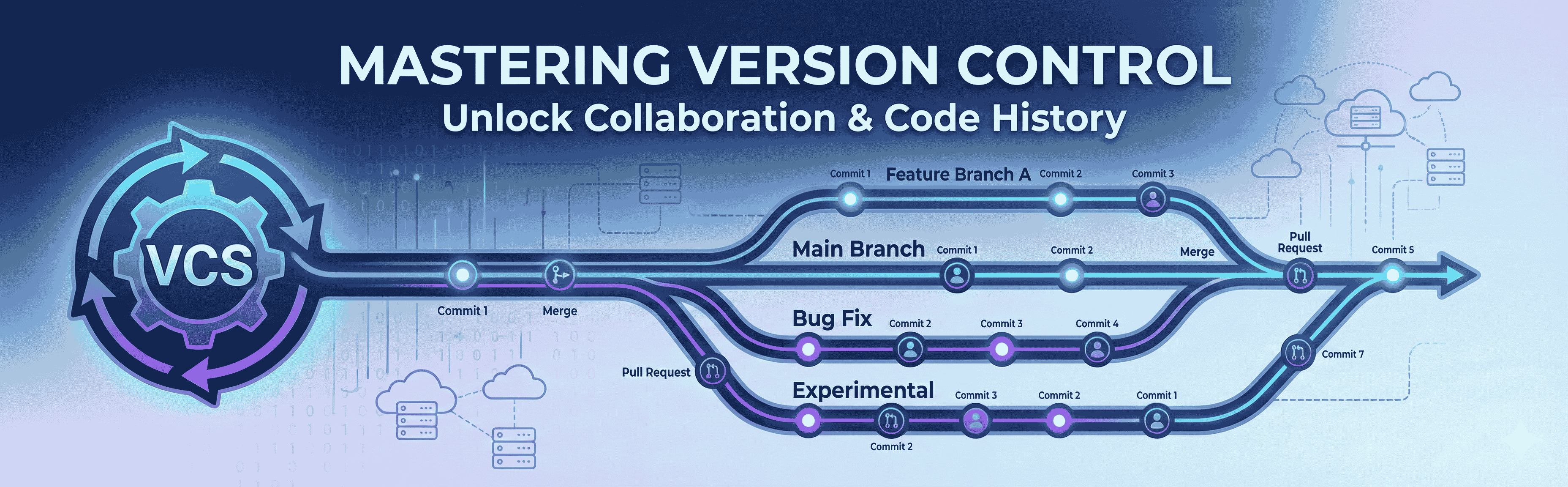
Git is a version control system that maintains track of the project. It makes switching between various versions of the project. It helps in undoing errors and modifications.
Why We Use Git?
Git is a version control system. If we make a mistake, we can't undo it without a version control system. We're losing track of what we changed. We can still handle these things when we're working alone, but it will be a mess when we work with other people on the same job. The other person can't see what and where we've changed, and none of us can see what and where they have changed.
It keeps the project on track.
We can revert the changes.
Helps in collaboration work
Core Terminologies
Repository (repo)
A repository is a complete folder that contains the entire project as well as its Git history.
Commit
Commit is basically saving the changes to the files.
Branch
The branch is like a separate workspace where we can make changes and try new ideas without affecting the main project.
Head
Head is a special pointer that acts as a reference to the commit I am currently working on.
Common Git Commands
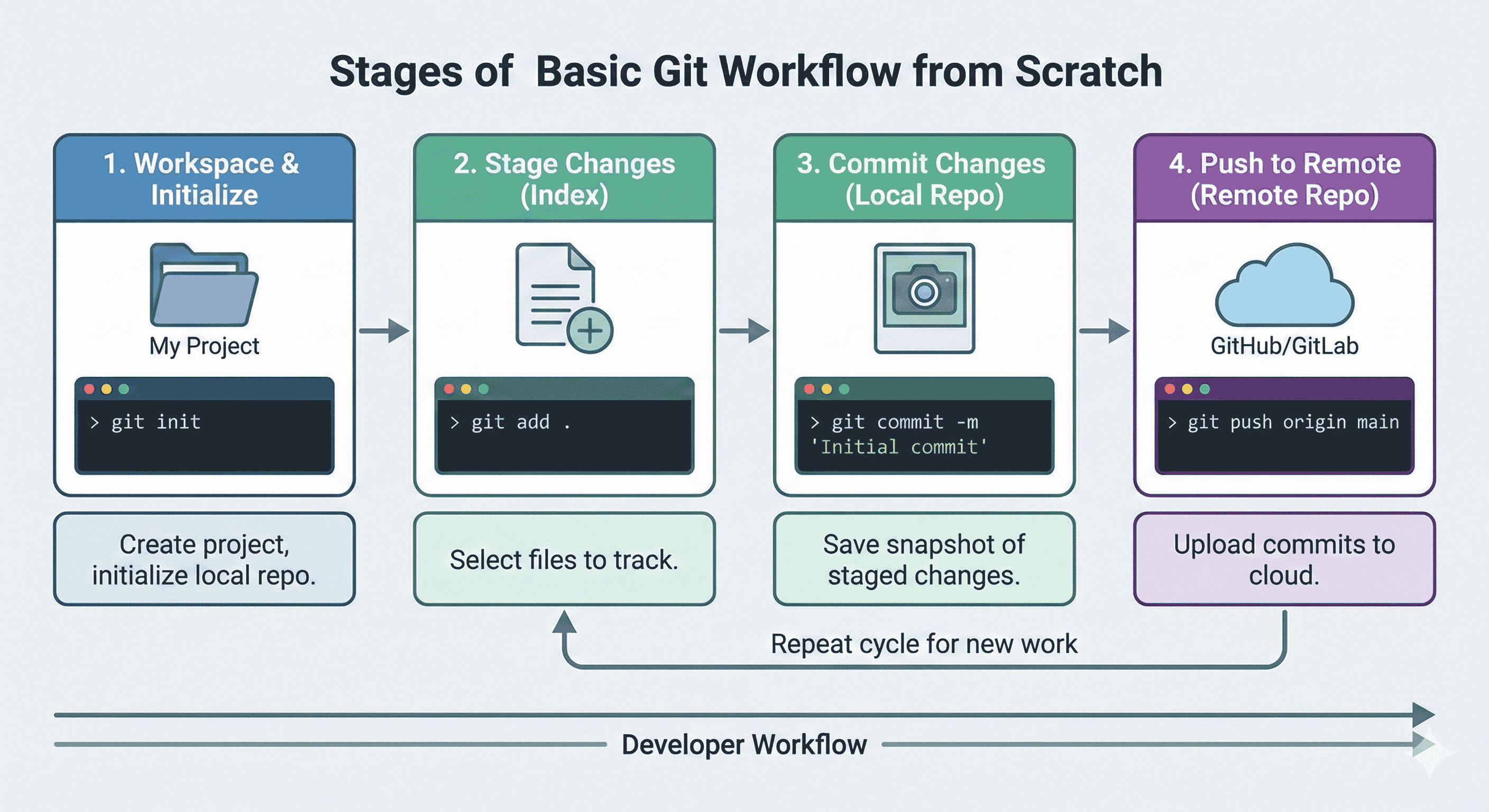
git init
git init creates a repository along with the .git folder, which is responsible for tracking the changes in the project files.
git init #Initialize the repository
git add
git add stages the changes and prepares them for the commit.
git add filename #add only one untracked and modified file
git add . #add all untracked and modified files
git commit
Save the changes permanently.
git commit -m"commit message" #It commits all the changes
git log
It shows the history of commits.
git log
git status
git status shows what is going on right now in the repo.
git status #Show the status
Frequently Used Git Commands
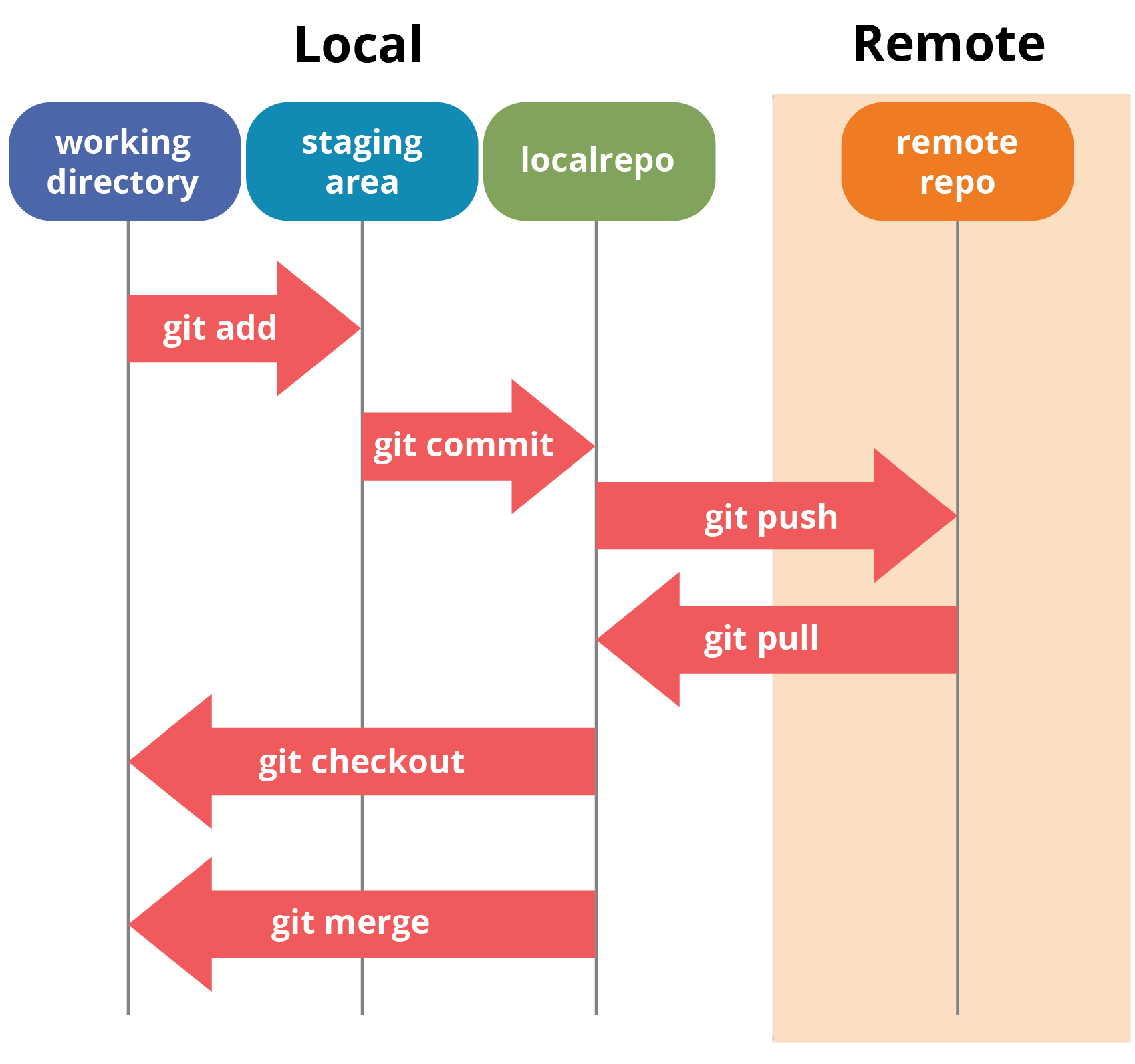
git status #Check the status of unstaged changes
git init #Initialize a new Git repository
git add filename or
git add .    # Stage files for commit
git commit -m "Your message here" #Commit local with a meaningful message
git push origin main # Push changes to remote
git log #View commit history